Payroll Default Timesheets in Modern
12
votes
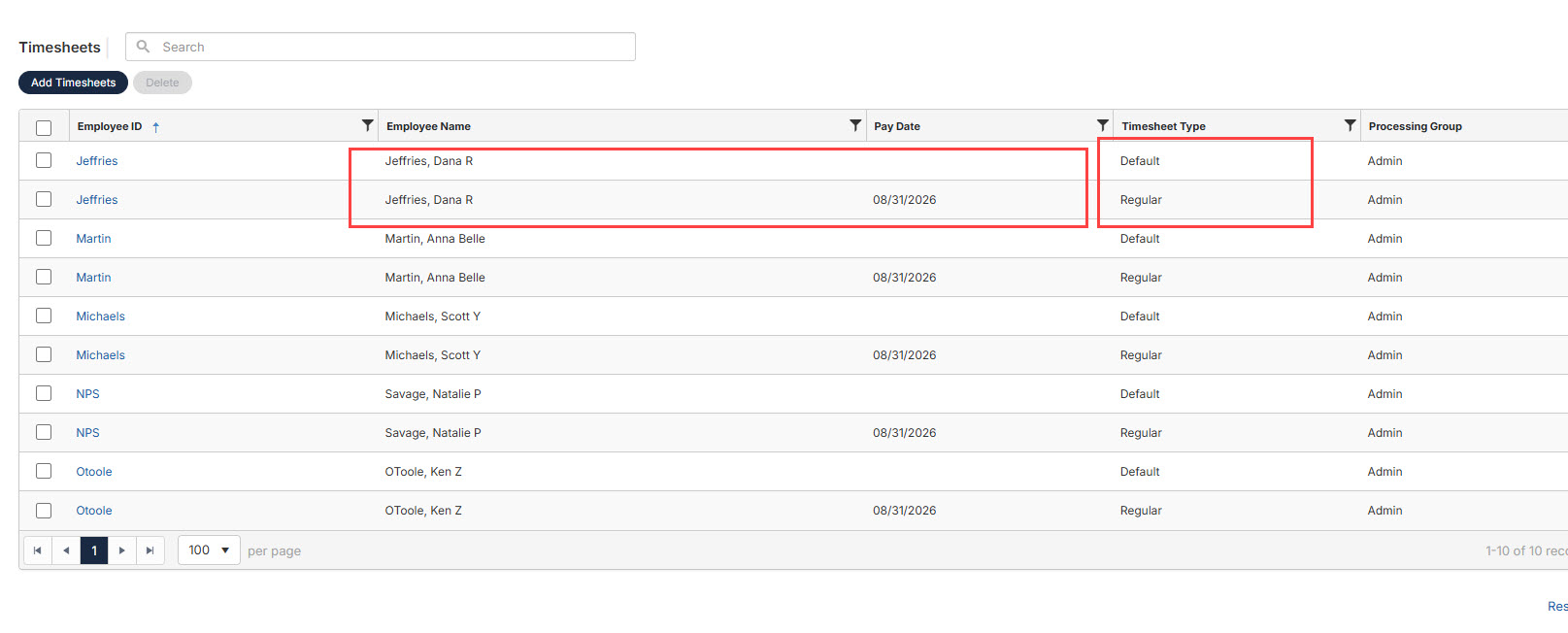
Default timesheets display on the same page as regular timesheets. This is confusing to clients. Clients frequently delete default timesheets when seen next to regular timesheets. Deleting default timesheets causes much extra work as they have to be recreated. Move Default Timesheets to their own menu in the list. Using Payroll > Timesheets, you add timesheets then generate timesheets. Those generated regular timesheets show on the same display at default timesheets. Picture included. Clients then think timesheets are doubled. Classic has a workflow in which the default and the regular/supplemental entry portals are completely separate.